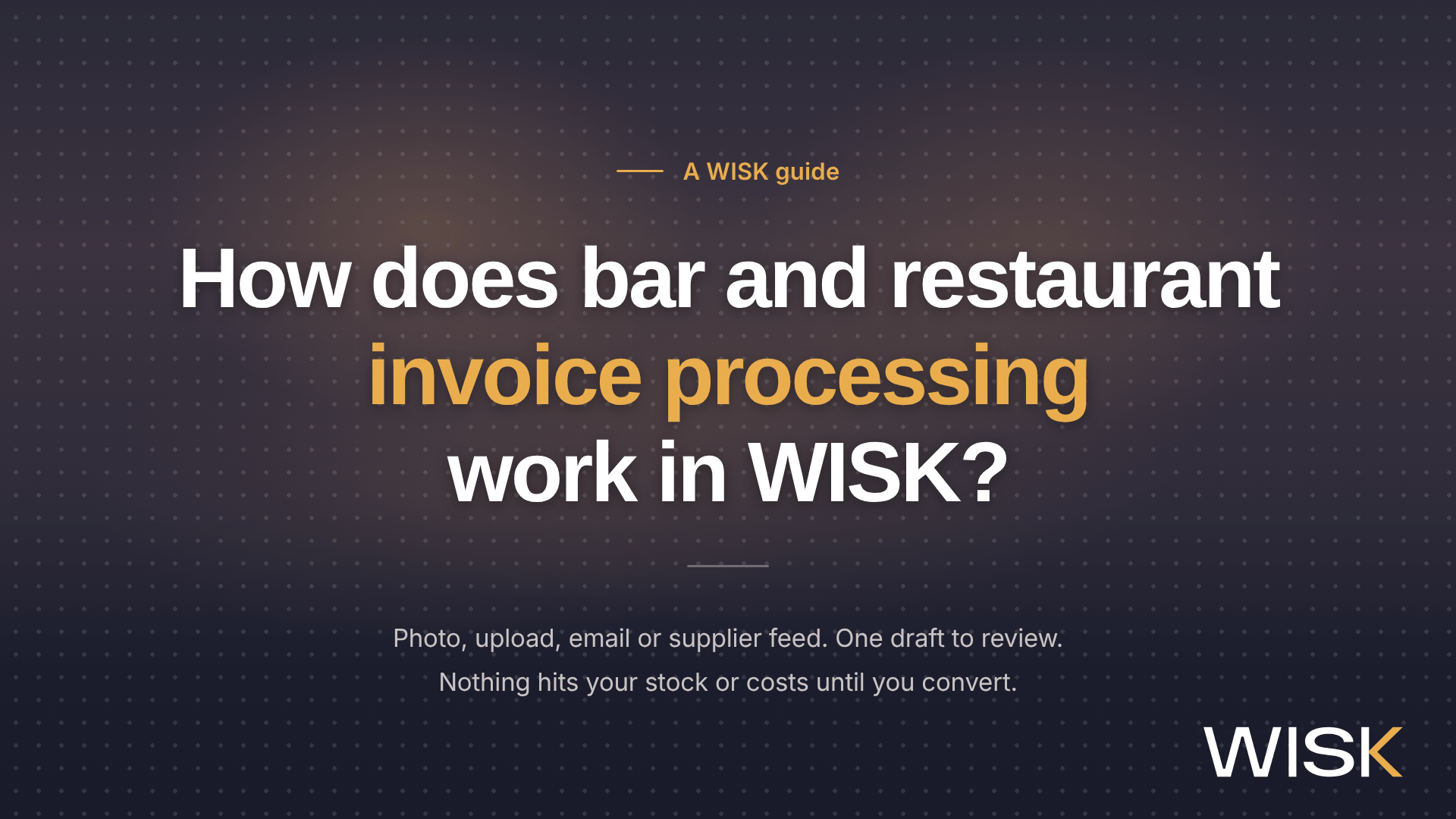
WISK turns a supplier invoice into stock and cost data in five steps: send it in, let WISK read it, review the draft, convert it, and let new prices flow into your recipes.
Nothing changes in your stock or costs until that draft is converted. That one rule explains most of how WISK handles invoices, and it's why the review matters more than the scan.
This guide walks through bar and restaurant invoice processing in WISK for the people who deal with it: bar managers, kitchen managers, owners and controllers who want to know what actually happens after the photo. It covers the four ways in, what WISK reads, how review works, who does it, and how liquor invoices differ from food invoices. If your problem is the hours spent typing invoices, start with how to stop entering invoices by hand. If it's prices creeping up, see how WISK captures price creep from every invoice.
Why does every invoice matter for your food and pour cost?
Invoices are the only way purchases get into your numbers, because WISK calculates consumption as starting inventory plus invoices minus ending inventory. Miss one invoice and usage looks lower than it was. Miss one price and every recipe stays costed at the old one.
WISK's own help center puts it plainly: skip your invoices and item costs stop updating, and your dish costing stops being accurate. Your counts can be perfect and your variance report still wrong.
Prices aren't sitting still, either. Food-away-from-home prices were 3.5% higher in September 2026 than a year earlier, according to the Bureau of Labor Statistics. USDA's Economic Research Service forecasts wholesale beef up 8.8% and farm-level vegetable prices up 21.2% in 2026. And 82% of operators told the National Restaurant Association their food costs were higher in 2025 than the year before.
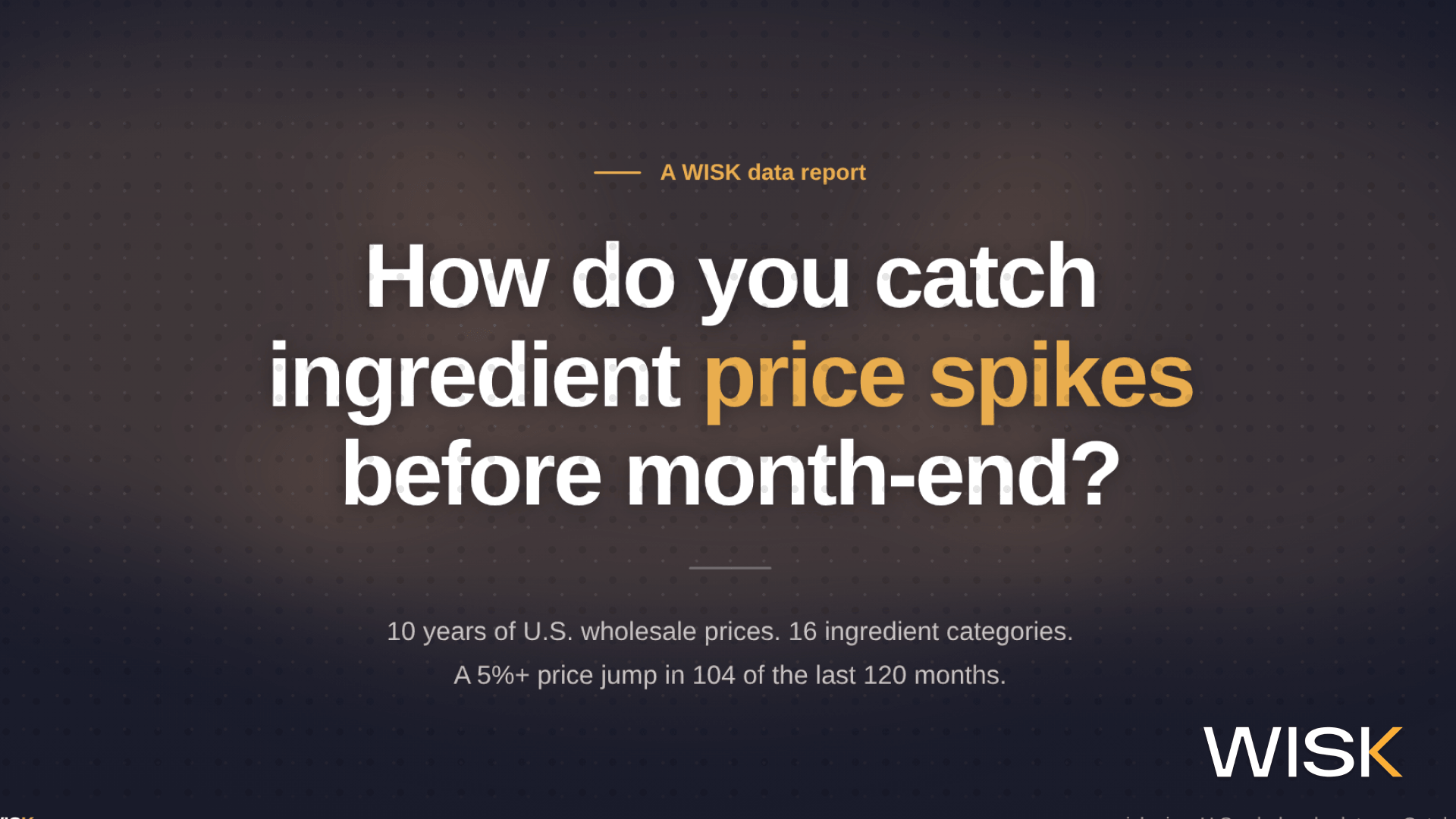
Every one of those increases reaches you on an invoice first. WISK's analysis of 10 years of wholesale prices found that at least one of 16 ingredient categories jumped 5% or more in 104 of the last 120 months. The P&L catches up weeks later. The invoice has it the day the truck shows up.
How do invoices get into WISK?
There are four ways in: scan it in the WISK app, upload it on the Web Portal, email it to your venue's invoice address, or connect a supplier that sends invoices automatically.
Il existe quatre méthodes : scannez-les via l'application WISK, téléchargez-les sur le portail web, envoyez-les par e-mail à l'adresse de facturation de votre établissement, ou connectez un fournisseur pour une transmission automatique des factures.
Whichever route you use, send invoices as they arrive. The help center is blunt about it: upload a month of invoices at month-end and processing slows down.
A few details save headaches later. Each venue's invoice email is built from the venue's current name, so it changes if the venue gets renamed. The inbox is for invoice files only and isn't monitored, so questions sent there go nowhere. Supplier integrations are set up with the supplier: Sysco asks for your customer number for each location, and US Foods requests go through your US Foods sales rep.
For the feature overview, see WISK's restaurant and bar invoice management software.
What does WISK read from an invoice?
WISK's character recognition reads the invoice number, distributor, date and scanned total, then each line's item title, distributor code, item measurement, case size, quantity received, cost and any discount.
The distributor code does the heavy lifting. WISK matches each line to your item list by that code, so the most useful setup step you can take is adding distributor codes to your items. A matched line still deserves a glance against the paper, and the help center says so too.
Here's how that plays out on two typical invoices, one from a liquor distributor and one from a broadline food supplier. The invoices are made up. The handling is how WISK works. Click any line.
Two kinds of lines cause most of the trouble: an item WISK hasn't seen before, and a cost that doesn't look like last week's. Both get flagged before anything is converted. New items show up in red, and the Cost Changes filter lists every line whose cost is different from the previous invoice.
What happens during draft invoice review?
Every invoice starts as a draft, and nothing touches your stock or costs until someone matches every line, clears the flags and converts it, ideally once the scanned total and line items agree. Charges and credits usually close the gap.
A draft moves through a handful of statuses, and each one tells you whose turn it is
The totals check is the quiet hero here. The Scanned Total is the invoice's grand total, charges and credits included. The Total is the sum of the line items WISK detected. When they don't match, something is missing: usually a deposit, a fee or a line nobody mapped. The Convert to invoice button stays greyed out until every line that needs action is dealt with, and the rule of thumb is to convert once the two totals match.
Duplicates get caught on the way, too. If the invoice number is already on another draft or invoice from the same distributor, WISK says so. Dates can't be in the future or inside a locked inventory period.
When something's flagged, you hear about it three ways. A notice shows on the Web Portal dashboard and on the app's Home screen. An email follows with the reason, a link to the invoice and a link to the fix. One practical note: review and conversion happen on the WISK Web Portal, not in the app.
Who reviews the draft: you or WISK's invoicing team?
Depending on your plan, you review and convert drafts yourself on the WISK Web Portal, or WISK's invoicing team does it for you, with a typical turnaround of 3 business days, not counting weekends.
Want the team's prep but your own sign-off? Ask your Customer Success Manager to turn on final approval. The team still processes every upload, but finished drafts wait under Final Approval Needed until you convert them. Your stock and costs don't move until you do.
One thing the team can't do is unlock a locked inventory period. If an invoice is dated inside one, they'll check the details and leave it for an Admin at your venue to unlock and convert.
How are bar invoices different from kitchen invoices?
Bar invoices bring deposits, bottle sizes and liquor-board pricing, while kitchen invoices bring catch weights, pack substitutions and delivery surcharges, and each of those has a specific home in WISK. Set your rule once and costs stay comparable week to week.
Behind the bar
- Deposits. Bottle and keg deposits go on the draft's Charges / Credits tab, so the totals match. Some venues fold deposits into unit cost instead, since the money comes back with the empties. Either works. Pick one rule per venue and keep it.
- Tax-included prices. Some liquor-board invoices print unit prices with tax already in them. WISK's tax settings, part of the accounting integration package, let you mark an invoice as Taxes included, Taxes excluded or No Tax, and WISK costs the item without the tax.
- Bottle sizes. A 1L bottle of something you normally stock as a 750ml isn't the same item at a strange price. It's a variation, with its own measurement and code.
- Liquor-board feeds. Quebec's SAQ imports invoices straight into WISK for venues in the Montreal and Quebec City area. Fintech, an alcohol invoice aggregator, can pass along your alcohol supplier invoices, and it charges its own setup and monthly fees. British Columbia's BCLDB integration handles ordering only, so those invoices get added from the purchase order.
In the kitchen
- Catch weights. Meat and seafood bought by the pound arrive as weights, not units. WISK records the quantity received as a weight and costs it per pound or kilo.
- Substitutions. Order a 20 lb bag of flour, get two 10 lb bags, and you've got a variation: different code, different cost, same flour.
- Surcharges and fees. Fuel and delivery charges go on Charges / Credits as their own lines, separate from the items.
- Broadline feeds. Sysco and Gordon Food Service (U.S. and Canada) and US Foods can send invoices into WISK automatically, as drafts.
On every invoice
- Discounts are captured per line. On a manual invoice, a discount can be a dollar amount or a percentage.
- Shorts and credits belong on the paper before the photo. A draft can only show what's on the page, so write the short in and get the driver's initials.
- Returns to a distributor are logged on the Invoices / Returns page, on the web or in the app, and the items come off your stock.
What changes once an invoice is converted?
Converting adds the items to your stock and updates their costs, which re-costs every recipe and menu item using them and lists price moves in the Price Changes table of your summary emails. Those go out daily and weekly.
- Costing method. WISK Bar and WISK Restaurant venues cost items at the most recent invoice price by default. Turn on weighted average pricing in Venue Settings and new prices blend with the stock you already have.
- Recipes and menu items. A new ingredient cost flows into every recipe and menu item that uses it, so plate and pour costs reflect what you paid this week.
- Cost history. Open an item and you'll see every invoice that included it: date, time, distributor, quantity and cost. Invoice costs show in blue and manual edits in black, which makes a case price entered as a unit price easy to spot.
- Alerts. If you'd rather be told than go looking, cost alerts fire when an ingredient or a dish crosses a threshold you set. Here's how to set thresholds that catch real price spikes.
- Purchase orders. If you ordered in WISK, link the invoice to its purchase order. An unlinked order stays open and keeps counting as pending, which throws off what WISK suggests you order from your pars.
- Accounting. With the accounting integration add-on, Admins can push invoices to QuickBooks Online, where they land as bills you can pay or mark as paid. Every line needs a GL account first. QuickBooks Desktop users export a file, and other accounting software gets an .xls export.
That's the part operators notice day to day. "The best part is you no longer have to sift through invoices for price changes," says Danielle, general manager at Stella in Burlingame. "WISK does it automatically, which saves hours every week."
How do you get clean invoice data from day one?
Clean invoice data starts before the first draft: add distributor codes to your items, snap invoices at receiving, keep each invoice in one file, and settle deposit and tax rules once.
- Add distributor codes to your items. That's what lets lines match on their own instead of landing in red.
- Snap it at the back door. Same day, before the paper reaches the office. Write any shorts or credits on the invoice first.
- One invoice per scan or PDF, all pages together. Missing pages get flagged, and anything over five pages gets checked for multiple invoices.
- Settle deposits and taxes. In or out of unit cost, tax included or not. Decide once, then stick with it.
- Upload through the month. Drop a month's worth at month-end and processing takes longer.
- Link purchase orders, and set up GL accounts if you export to accounting.
- Read the Price Changes table every week. It's the quickest way to see what moved and why.
When isn't WISK invoice processing the right fit?
If you only need supplier bills coded and paid, and you never count inventory or cost recipes, an accounts payable or bill-pay tool is the better fit. WISK's invoice processing exists to keep your stock and costs right.
- WISK doesn't pay suppliers. Pushed invoices become bills in QuickBooks Online, and payment happens there.
- Live accounting sync is QuickBooks Online. QuickBooks Desktop gets an export file, and other accounting software gets an .xls export, not a live sync.
- It's for invoices you receive, not invoices you send. WISK isn't built to bill guests, catering clients or private events.
- A handful of invoices a week? Manual invoices in WISK work fine, and they still update stock and costs.
- No tool fixes slow receiving. If invoices sit in a drawer for two weeks, any system, WISK included, will be two weeks late.
FAQ
Sources
Product behavior in this guide comes from the WISK Help Center, checked November 5, 2026:
- Scanning / Uploading Invoices
- Reviewing & Converting a Draft Invoice
- Draft Invoices - Client Review Needed
- Invoices / Returns Page
- WISK Restaurant - Adding Invoices
- Adding a Manual Invoice (Web)
- View an Item's Cost / Price History
- Weighted Average Pricing
- Linking an Invoice to a Purchase Order
- Returning Items to a Distributor
- Accounting Integration - Taxes
- QuickBooks Online Integration
- Supplier / Vendor Integrations, Sysco Integration - United States, US Foods Integration, Fintech Integration, SAQ Integration, BCLDB Integration
Market data:
- U.S. Bureau of Labor Statistics, Consumer Price Index, September 2026 (released October 14, 2026)
- USDA Economic Research Service, Food Price Outlook, Summary Findings (updated October 23, 2026)
- National Restaurant Association, Rising food costs + tight supplies = more challenges for industry (March 25, 2026)
- WISK, How Do You Catch Ingredient Price Spikes Before Month-End? (BLS Producer Price Index analysis, October 2016 to September 2026)
WISK (wisk.ai) makes inventory, invoice processing and recipe costing software for restaurants, bars and hotels.