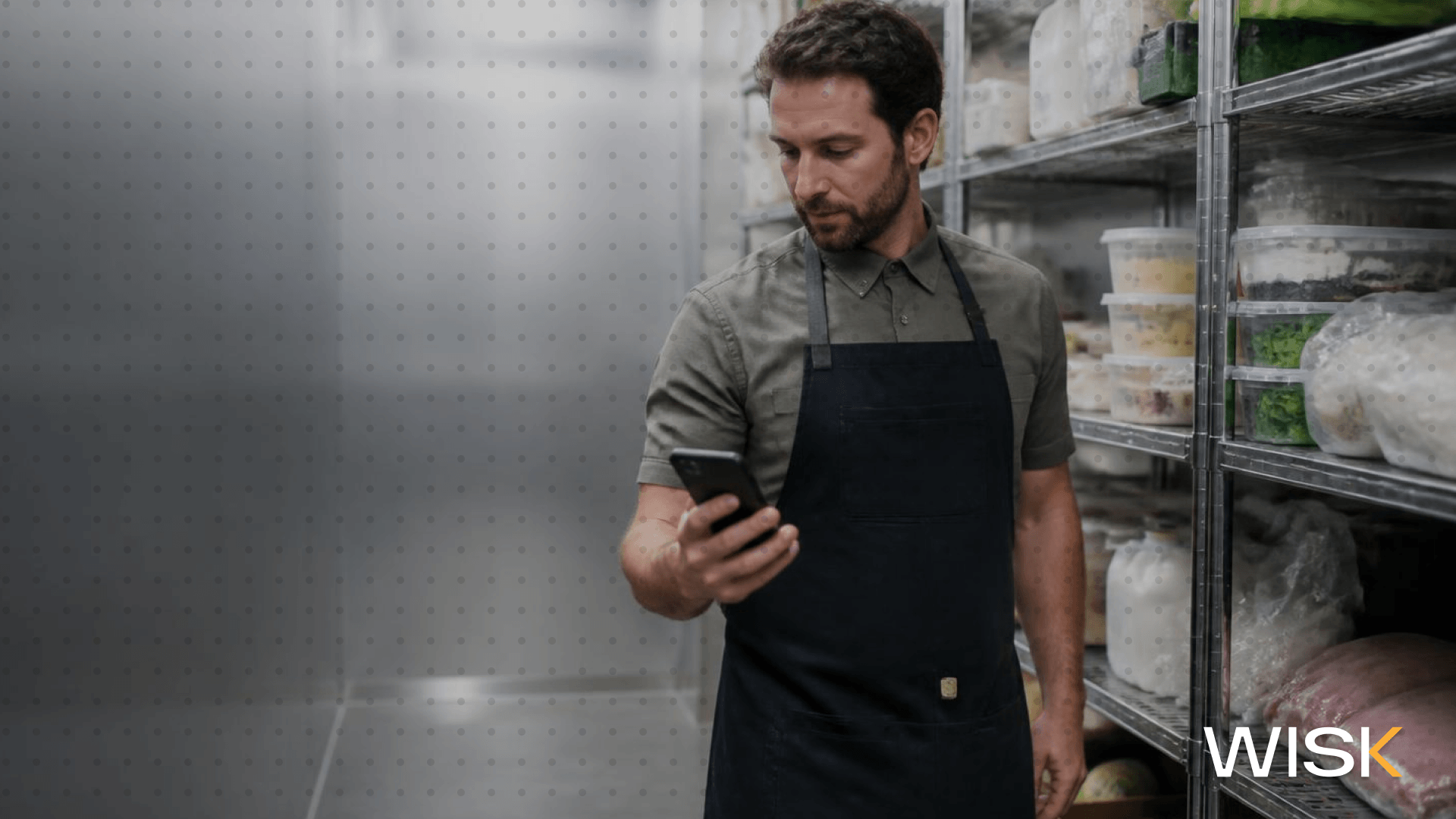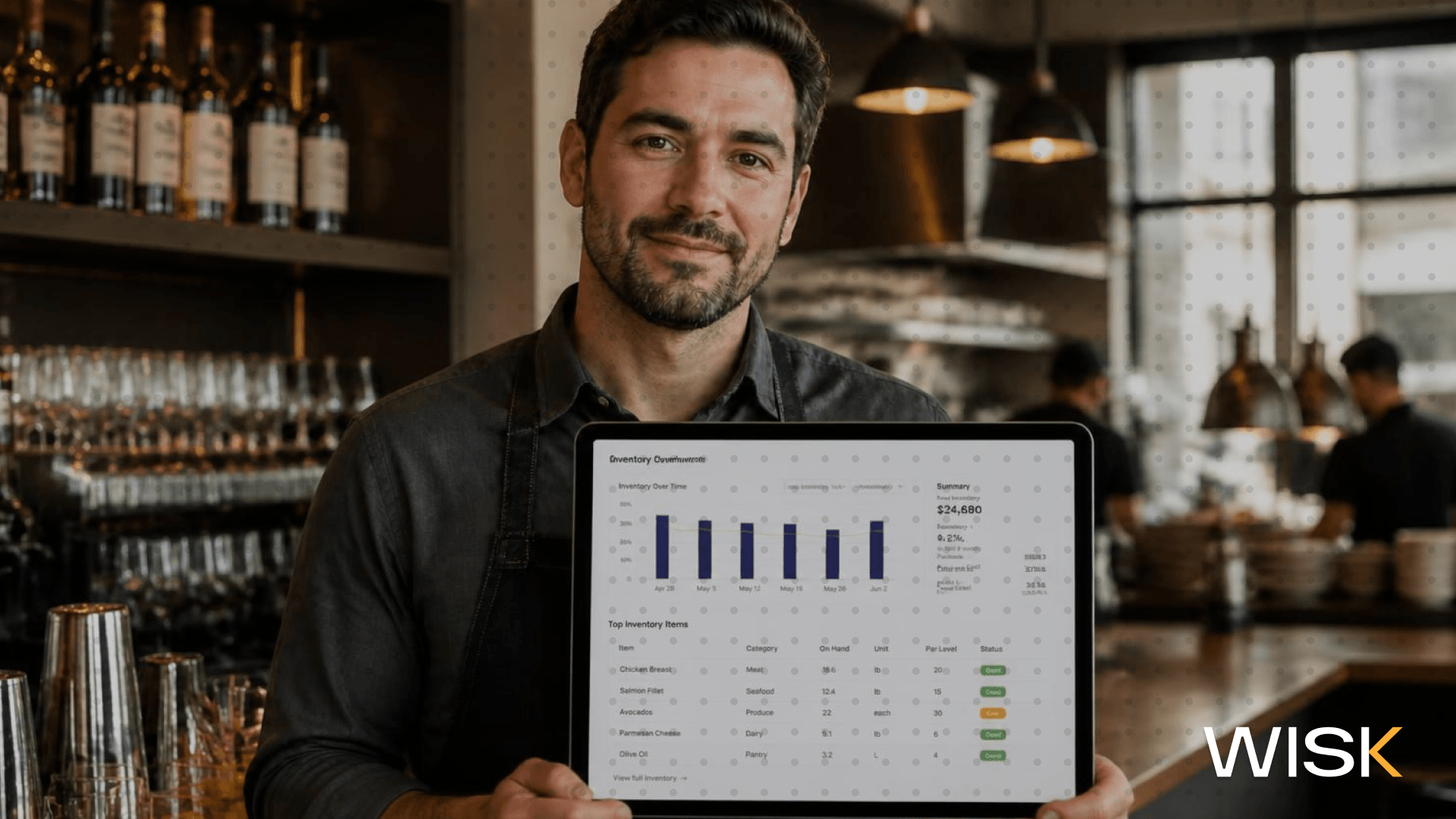
It's Sunday night. The last ticket has been sent out, and someone is stuck in the walk-in with a clipboard trying to count inventory. Two hours later, those numbers end up in a spreadsheet nobody trusts, and Monday's order is placed based on guesswork.
Most restaurant owners have experienced that night. The issue isn’t the counting itself. It’s treating inventory as a weekly task instead of a system integrated into every delivery, ticket, and pour.
Here’s what restaurant inventory software should actually accomplish and how to evaluate if yours is delivering.
What Is Restaurant Inventory Management Software?
Restaurant inventory management software is a specialized tool that tracks every ingredient, bottle, and case from delivery to the plate or glass. It links invoices, recipes, POS systems, and counts, so stock levels, food costs, and cost of goods sold update automatically without manual data entry.
Think of it as perpetual inventory rather than a once-a-week snapshot. Paper inventory sheets show what you had last Sunday. Good inventory management software tells you what you should have right now and alerts you when the shelf stock doesn’t match.
In the food and beverage industry, this distinction means moving from guessing to operating with accurate data. This is the standard any software for restaurant inventory management must meet.
Why Manual Inventory Tracking Fails to Protect Your Food Costs
Manual inventory tracking is slow, delayed, and often inaccurate more than anyone admits. By the time you’ve counted, entered the numbers, and applied even the best inventory and order management best practices, the week has passed.
Meanwhile, losses accumulate. A cook over-pours the short rib, a bartender free-pours the well tequila, a case of romaine spoils in the walk-in. None of these show up until your cost of goods spikes at month-end. Across the restaurant industry, food waste is commonly cited as 4% to 10% of purchases, discarded before reaching customers.
Poor inventory control also harms your financials. If your beginning inventory is inaccurate, every subsequent figure is off. Effective restaurant inventory management begins with reliable inventory data.

From Vendor Invoice to Real-Time Food Cost
Every invoice reflects a price update. When your produce supplier raises avocado prices by 30%, your plate costs adjust the same day, not at month-end.
Automated invoice processing captures these changes without manual retyping. Snap a photo, let AI extract the data, and send it to your accounting system with the correct GL codes. WISK, for instance, combines AI with a white-glove team to handle data entry either way, and offers different pricing plans for inventory management software so you can balance cost against saved time and errors.
The result is real-time food cost visibility instead of last month’s estimates, with fewer input errors. Vendor management improves as well. When every price change, credit, and short shipment is recorded in one place, vendor payments and disputes stop draining your time.
Recipe Costing Based on Actual Purchase Prices
Your menu was probably costed once, likely on a spreadsheet, and likely before recent price increases. That’s how a dish that was 28% food cost quietly turns into 36%.
Recipe costing within your inventory software links each dish to its ingredients and pulls actual costs from the latest invoices. When butter prices rise, every dish using butter updates accordingly.
This lets you calculate cost per plate, per cocktail, or per batch of house syrup. You can identify which items drive your profit margins and which ones reduce them. This is cost management and control that actively shapes your menu.
Integrating POS Systems with Inventory Usage
Your POS already tracks what you sold. The question is whether that sales data updates your inventory.
When inventory management software for bars and restaurants syncs with your POS, every sale automatically deducts ingredients. Ring up 40 margaritas, and the system knows approximately how much tequila, lime, and agave should be used. That’s your theoretical usage.
This integration also makes sales data useful beyond the P&L. With all data centralized, you can see which dishes sell well, which don’t, and which inventory trends correspond with your busiest times. Choose a tool that integrates with your existing POS rather than forcing a switch.
Faster Inventory Counts Without Sacrificing Accuracy
Counting inventory is still necessary, but it shouldn’t consume your entire Sunday.
Mobile counting is standard in modern restaurant operations. Multiple staff members can split the walk-in, dry storage, and bar, counting on their phones with results updating instantly. No more typing inventory sheets into Excel at 1 a.m.
Bar inventory benefits greatly from this. Liquor inventory involves partial bottles, kegs, and cases, often tracked in multiple packaging units. A solid 10-step guide to measuring liquor bottles complements software that tracks inventory by case, bottle, or pour.
The time savings are significant, as are the labor cost reductions. Sid Patel, a Brass Tap franchisee, reports WISK cut their inventory time by over half, saving about 4.5 hours weekly. At L'infâme Tittle Tattle, counts dropped from two hours to 20 minutes. With the right essential tools every restaurant manager needs, your managers spend more time on the floor and less in the walk-in.
Variance, Par Levels, and Smarter Ordering
Once you know what you purchased, sold, and have on hand, the software highlights the variance — crucial in bar inventory control and liquor stock management.
If your POS says you should have six bottles of house vodka but you count four, that indicates over-pouring, unrecorded comps, or theft.
This data also drives your ordering. Real-time inventory tracking monitors stock levels continuously, and low-stock alerts warn you before you run out mid-service. Purchase orders can be generated from inventory levels or recent sales, making supplier ordering quick and accurate. A well-designed par inventory sheet setup helps reduce waste and prevent overstocking.
Some platforms feature AI forecasting, using historical data to predict demand around weekends, holidays, and local events. Comparing WISK vs. MarketMan inventory platforms illustrates how different tools handle forecasting. Preparing closer to actual sales is one of the simplest ways to minimize food waste.
Also monitor inventory turnover. A common guideline is to turn food inventory over four to six times per month. Much lower means product sits too long; much higher suggests frequent stockouts.
Managing Multiple Restaurant Locations from a Single Platform
Managing three locations means juggling three walk-ins, three count schedules, and three general managers who each handle inventory differently.
If you operate multiple restaurants, seek software that offers a unified view of stock levels, food costs, and variances across all venues. Transfers between locations should be quick to log, not require phone calls.
Standardizing inventory processes across locations also reveals your best operators and highlights where money is leaking. Multi-unit groups rely on the best inventory software for bars and restaurants for centralized dashboards as they expand.
How Operators Using WISK Close the Inventory Loop
Here’s an example week using a fully integrated system.
On Monday, the kitchen manager snaps the produce invoice, and costs update across every recipe using those ingredients. All week, the POS deducts ingredients with every sale. Sunday night after closing, two staff members split the walk-in and bar on their phones and finish counting before the dish pit closes. Monday morning, the variance report highlights discrepancies, and purchase orders are prepped from par levels.
That’s automated inventory management in action. It covers your entire inventory, kitchen and bar, with a product database of 200,000 bottles and 1.2 million ingredients, so setup doesn’t start from scratch. For high-volume concepts, dedicated bar inventory software is used by over 5,000 teams daily to streamline operations and drive a 17% increase in customer profit margins. The cost savings show up clearly on the P&L.
Choosing the Best Restaurant Inventory Software for Your Business
The ideal restaurant inventory software depends on your restaurant’s size, budget, and menu or bar complexity. Features and prices vary widely, so consider ROI carefully. If it saves your general manager four hours a week and cuts food costs by a few points, it quickly pays for itself.
Before scheduling a demo or downloading a free bar inventory spreadsheet template, ask these questions:
- Does it integrate with my POS and accounting software without extra fees?
- Does it provide real-time inventory tracking or only weekly snapshots?
- Does it include recipe costing and variance tracking out of the box?
- How does it handle invoice processing, and who corrects errors?
- Can my team perform mobile counts simultaneously?
- Will it scale if we open more locations?
Don’t overcomplicate the inventory method. Whether FIFO or par-based, any system only works if the numbers are accurate, and maintaining accuracy through consistent bar stock control habits is key to saving money.
FAQ