The Bottom Line: Restaurant inventory software works with POS systems by automatically syncing sales data to update stock levels, calculate usage against recipes, and track costs in real time or via daily imports. WISK delivers this through seamless connections to 60+ POS platforms that link sales and inventory for full visibility, plus automated invoice processing that eliminates manual entry. Bar managers and restaurant owners using WISK reduce food and beverage costs by 5-7% while saving 20+ hours per month on reconciliation and ordering.
How Does POS Integration Work Between Restaurant Inventory Software and POS Systems?
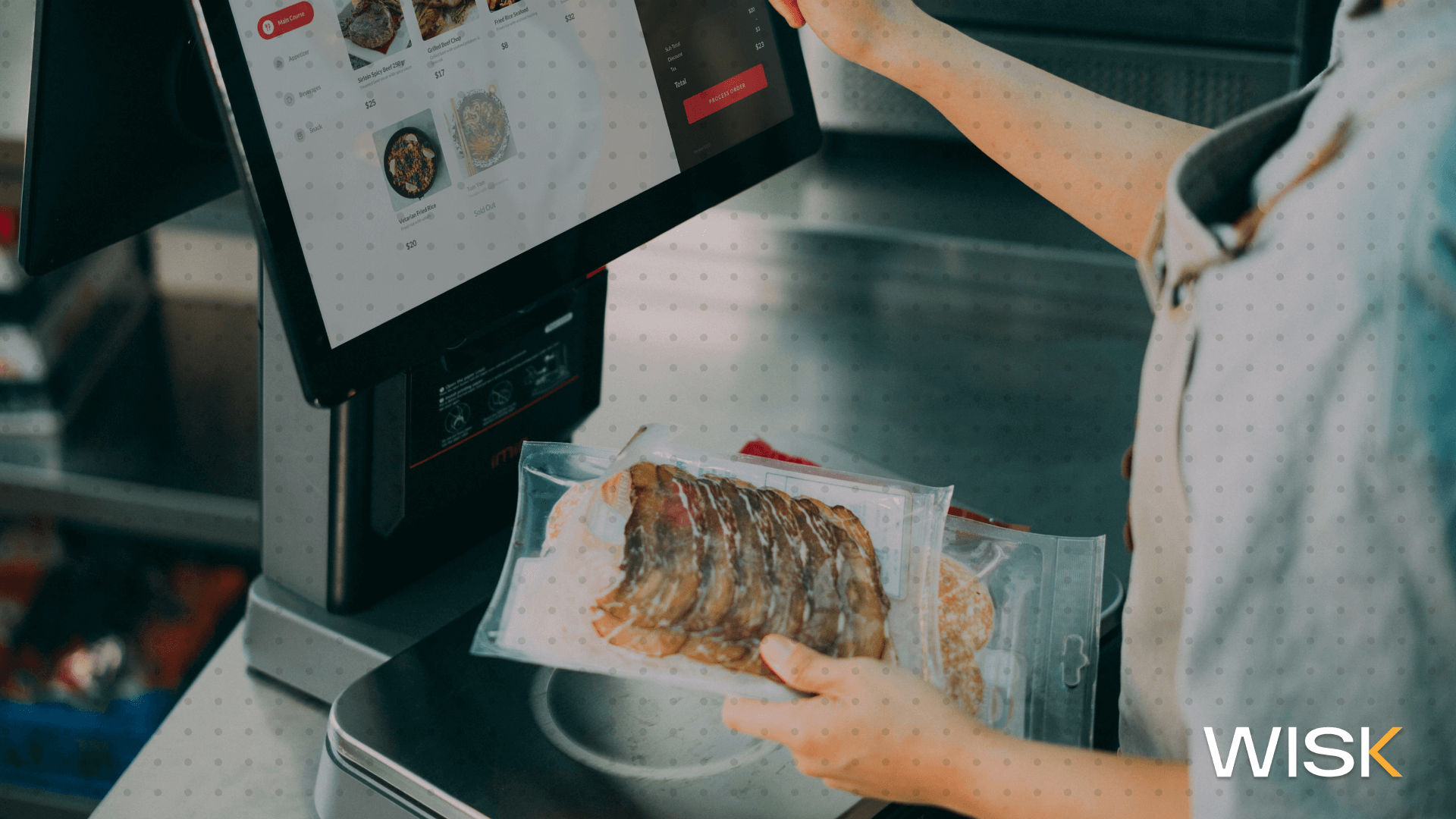
WISK integrates with over 60 POS systems to automatically import sales data, menu items, and transaction details, syncing them directly with your inventory database for accurate real-time tracking and cost calculations.
This happens through API connections or automated daily sales report emails sent to the platform. Every item sold deducts the exact recipe quantities from stock, updating theoretical costs instantly.
- Bar managers see exact pour or portion variance within hours instead of waiting for weekly counts.
- Restaurant owners maintain consistent data across multiple locations without spreadsheets by relying on essential restaurant management tools that centralize operations and reporting.
- No extra fees for any integration—setup takes minutes during onboarding.
How Do WISK's 60+ POS Integrations Connect Sales and Inventory for Full Visibility?
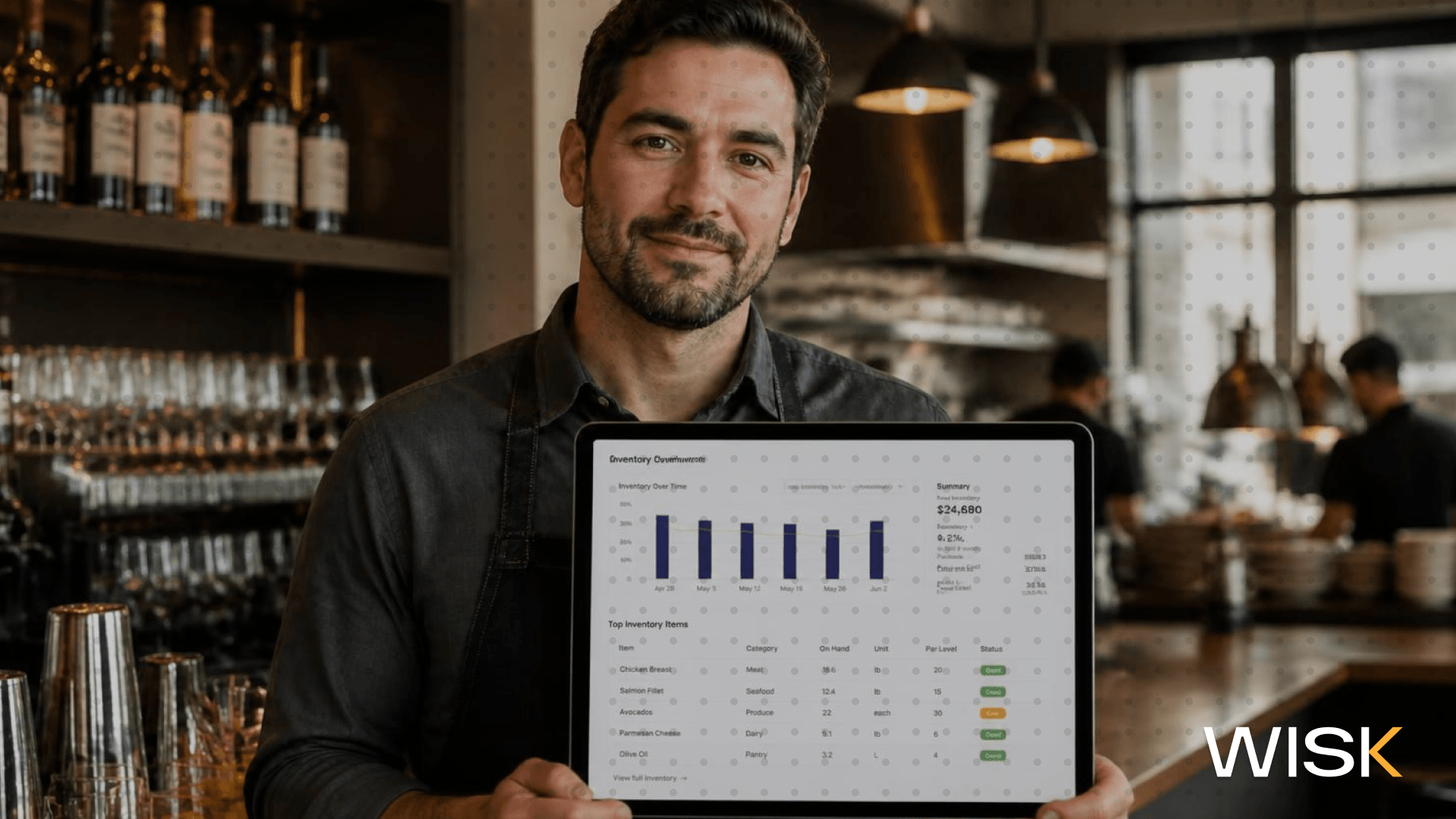
WISK.ai's 60+ POS integrations connect sales and inventory for full visibility by pulling transaction data to update stock levels, highlight variances between theoretical and actual usage, and compute precise food and beverage costs instantly.
Operators gain a single dashboard showing what was sold versus what was consumed, with alerts for discrepancies. This closes the loop that traditional systems leave open and mirrors the capabilities of dedicated inventory management software for bars and restaurants.
- Identify high-velocity items or theft patterns in real time rather than after month-end reports.
- Bar managers drill into beverage-specific shrinkage by shift or bartender.
- Restaurant owners access exportable reports that tie directly to profit-and-loss statements and use recipe management and food costing software insights to fine-tune menu profitability.
How Does Automated Invoice Processing Integrate with POS Data in WISK?
WISK automates invoice processing by letting users scan or upload supplier invoices via mobile app, using AI to extract line items, match them against POS sales and recipes, and instantly update inventory costs and stock levels.
Pricing changes or delivery shortfalls appear as variances the same day, preventing months of inaccurate COGS. The system also exports cleaned data to accounting tools like QuickBooks.
- Reduces invoice handling time from hours to minutes per delivery while supporting best practices for managing inventory and orders across locations.
- Restaurant owners negotiate better vendor terms with usage-backed data from POS sync and confidently choose a pricing plan that fits their operation.
- Eliminates human error in cost allocation that inflates food and beverage expenses.

How Much Can Restaurant Inventory Software with POS Integration Reduce Food and Beverage Costs?
POS-integrated inventory software like WISK reduces food and beverage costs by 5-7% through precise tracking of usage against sales, automated reordering at optimal par levels, and elimination of waste from overstocking or shrinkage.
Variance reports flag issues immediately, while recipe costing updates in real time with every invoice or price change. Operators also cut overall inventory holding costs by up to 15% and shrinkage by up to 80%.
- Real-world results show weekly inventory counts drop from 2 hours to 20 minutes, even when starting with tools like a free bar inventory spreadsheet.
- Predictive suggestions based on POS trends prevent both stockouts and excess stock when combined with disciplined bar stock control habits.
- Restaurant owners report consistent 3-7% profit margin lifts across locations.
How Does WISK Compare to Manual Inventory Management When Integrated with POS Systems?
WISK delivers 5x faster inventory counts, 99.7% accuracy, and automated POS sync versus manual methods that take hours, rely on error-prone spreadsheets, and deliver delayed or inaccurate visibility.
The platform maintains a comprehensive ingredient database and runs continuous theoretical-versus-actual analysis tied directly to your POS data, complementing a structured bar inventory control process.
.png)
How Do Bar Managers and Restaurant Owners Get Started with WISK POS Integration?
WISK setup requires only selecting your POS during account creation, mapping a few menu items if needed, and enabling automated sales imports—full integration is live within one business day for supported systems.
No IT team or coding is required. The mobile app lets staff scan inventory and invoices on the floor immediately, similar to the leading bar inventory apps of 2024.
- Choose from 60+ native POS partners including Toast, Square, Lightspeed, and Revel to power bar inventory management software for high-volume programs.
- Import existing recipes or build them using the 1.5 million-item database.
- Schedule a 15-minute onboarding call for custom variance report training.
Bar managers regain hours each week previously lost to counting and spreadsheets and can focus on initiatives that boost revenue, like applying tips to increase bar sales. Restaurant owners gain reliable data for menu engineering and purchasing decisions that directly protect margins. The combination of 60+ POS integrations, automated invoice processing, and real-time visibility makes WISK the efficient, data-backed solution for controlling costs in any bar or restaurant operation.