

What's inside?
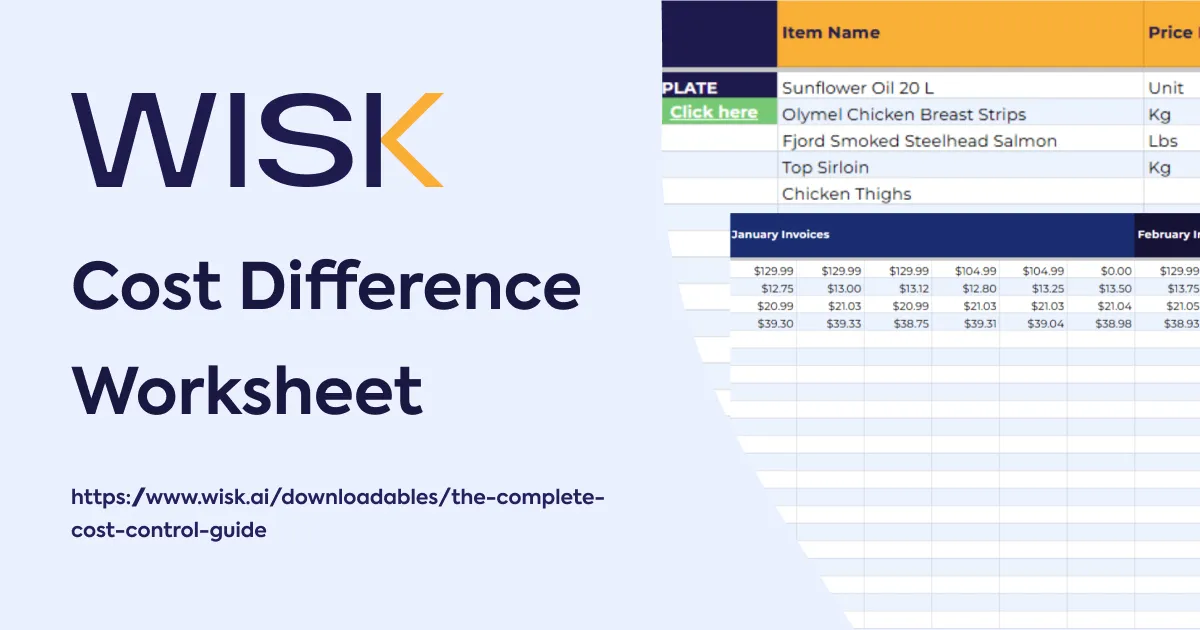
- Three ready-to-use calculators — Food Cost Increase, Labor Increase Only, and Food & Labor Increase — that convert a rise in ingredient cost or wages into the new menu price and the exact price-increase percentage for each item.
Re-Price With Precision When Costs Rise
A price increase worksheet is a menu re-pricing tool that translates a change in input cost — food, labor, or both — into the menu price required to hold your target margin. It replaces the guesswork of "round it up a dollar" with the exact number.
Most operators re-price reactively and imprecisely. Food and beverage COGS typically runs 28–35% of sales and labor another 25–35%; when either climbs and the menu price does not, the increase comes straight out of your margin. A structured re-price protects the point of profit you have already earned.
How Much Should I Raise the Price?
Pick the tab that matches the cost that moved:
- Food Cost Increase — enter the item's current and new cost to get the new price that keeps you at your target food-cost %.
- Labor Increase Only — enter the current and new wage to get the price that absorbs the labor increase per item.
- Food & Labor Increase — model both at once when ingredient costs and wages rise together.
Each tab returns the new price and the price-increase percentage, so you can weigh the margin you are protecting against what the guest will accept — and re-price with a number you can defend, not a hunch.
Absorbing a cost increase always feels easier than raising a price — until you run the numbers. Margin is protected the moment you re-price with a calculation instead of a guess.


.svg)