The Bottom Line: You get automatic price updates by running every vendor invoice through OCR that reads each line item, writes the new unit cost to your item database, and re-costs every recipe using that ingredient — without anyone retyping a number. WISK does this the moment an invoice arrives: invoice OCR captures the line items, automatic price capture updates your costs, and price change alerts flag every increase before it reaches your P&L. Restaurants that close this loop typically cut food costs by 3–5% and eliminate 100+ hours of manual data entry a month.
What is price creep, and why do restaurants never see it coming?
Price creep is the gradual rise in vendor prices — usually 2–3% per quarter, per item — that compounds unnoticed because no single increase is big enough to trigger a review. Four quarterly increases of 2% compound to 8.2%: on $60,000 a month in purchasing, that's roughly $22,000 in added cost in year one and a $59,000 annual run-rate you never priced for.
Here's the part that stings. Nobody is hiding anything from you. The increases are printed right there on the invoice.
- No single line crosses a threshold that makes anyone stop and look. A case of chicken thighs moving from $58.40 to $60.15 doesn't feel like a problem.
- Invoices get signed by whoever's on the loading dock at 6 a.m., not by the person who set the menu prices.
- Your P&L reports the damage as one aggregate food cost percentage, 30 to 60 days later. By then you can see that margin moved, but not which of your 400 items moved it.
So you end up in a strange position: you're pricing a $19 burger against a cost you calculated in February, using invoices you already approved in August that say something different.
How much are vendor price increases actually costing restaurants right now?
Average wholesale food prices are more than 35% above pre-pandemic levels, and 82% of operators reported higher average food costs last year. The USDA forecasts another 3.1% rise in all food prices for 2026, with farm-level cattle prices up 11.6% — and only 42% of operators reported being profitable last year.
Those figures come from the National Restaurant Association's 2026 State of the Restaurant Industry report, which found that more than nine in ten operators now cite food costs as a significant challenge. The forward-looking picture is in the USDA's Food Price Outlook, where food-away-from-home prices are projected to climb 3.5% this year, ahead of grocery inflation.
What none of that tells you is your number. Industry averages don't show up on your invoices — your vendors' increases do, unevenly, item by item. Run your own figures below.
The uncomfortable output for most operators is the middle line: the cost your menu is priced against versus the cost you're actually paying. That gap is the entire problem, and it's the reason 90% of full-service operators raised menu prices last year and still didn't fix their margins. They raised prices against costs that were already stale.

How does WISK capture price changes from an invoice automatically?
WISK invoice OCR reads every line item on a photographed, emailed, or uploaded invoice, matches it to your existing item, writes the new unit cost, and re-costs every recipe containing that ingredient — in just a few clicks, with no manual data entry.
The workflow is deliberately boring, which is the point:
- The invoice comes in. Snap it on a phone at the delivery door, forward the vendor's email, or upload the PDF. Mobile devices handle this in the walk-in as easily as at the office.
- OCR extracts the data. Item description, pack size, quantity, unit price, extended total. WISK reads the whole document, not just the header.
- Items get matched and priced. Each line maps to an item in your inventory, and the new unit cost is written along with the date. That's WISK automatic price capture — and it's what builds your price history without anyone maintaining a spreadsheet.
- Recipe costing updates itself. WISK real-time COGS updates push the new ingredient cost through every recipe, sub-recipe, and menu item that uses it. Recipe costing calculates each dish down to the individual ingredient, so a move in butter shows up in the plate cost of everything containing butter.
- Anything ambiguous gets flagged, not guessed at. New items, changed pack sizes, and unit-of-measure mismatches go to a review queue.
The result is that your item costs and your invoice data never drift apart, because they're the same data.
What's the difference between manual invoice tracking and automated price capture?
Manual tracking catches the expensive proteins and misses the long tail; automated capture reads 100% of line items on 100% of invoices. The gap shows up as 1–3 margin points a year you can't account for.
What can you actually do the day a price increase is flagged?
WISK price change alerts notify you the moment a unit cost moves past your threshold — while the product is still on the receiving dock, not after it's been portioned and sold. Catching an increase at the invoice instead of at month-end closes a 30–60 day blind spot.
Real-time alerts matter because most of your options expire quickly:
- Dispute it. Price increases that contradict a contracted rate are the easiest money you'll recover, and they're only recoverable while the delivery is fresh.
- Reprice the dish. A 9% move in a headline ingredient may only need a 40-cent menu adjustment — if you make it in week one rather than month five.
- Substitute or re-spec. Change the cut, the pack size, or the supplier before the increase is baked into a full period of sales.
- Adjust your purchase orders. Automated low stock alerts and purchase orders built on current costs stop you from reordering at a price you haven't accepted.
How does historical pricing data change your vendor conversations?
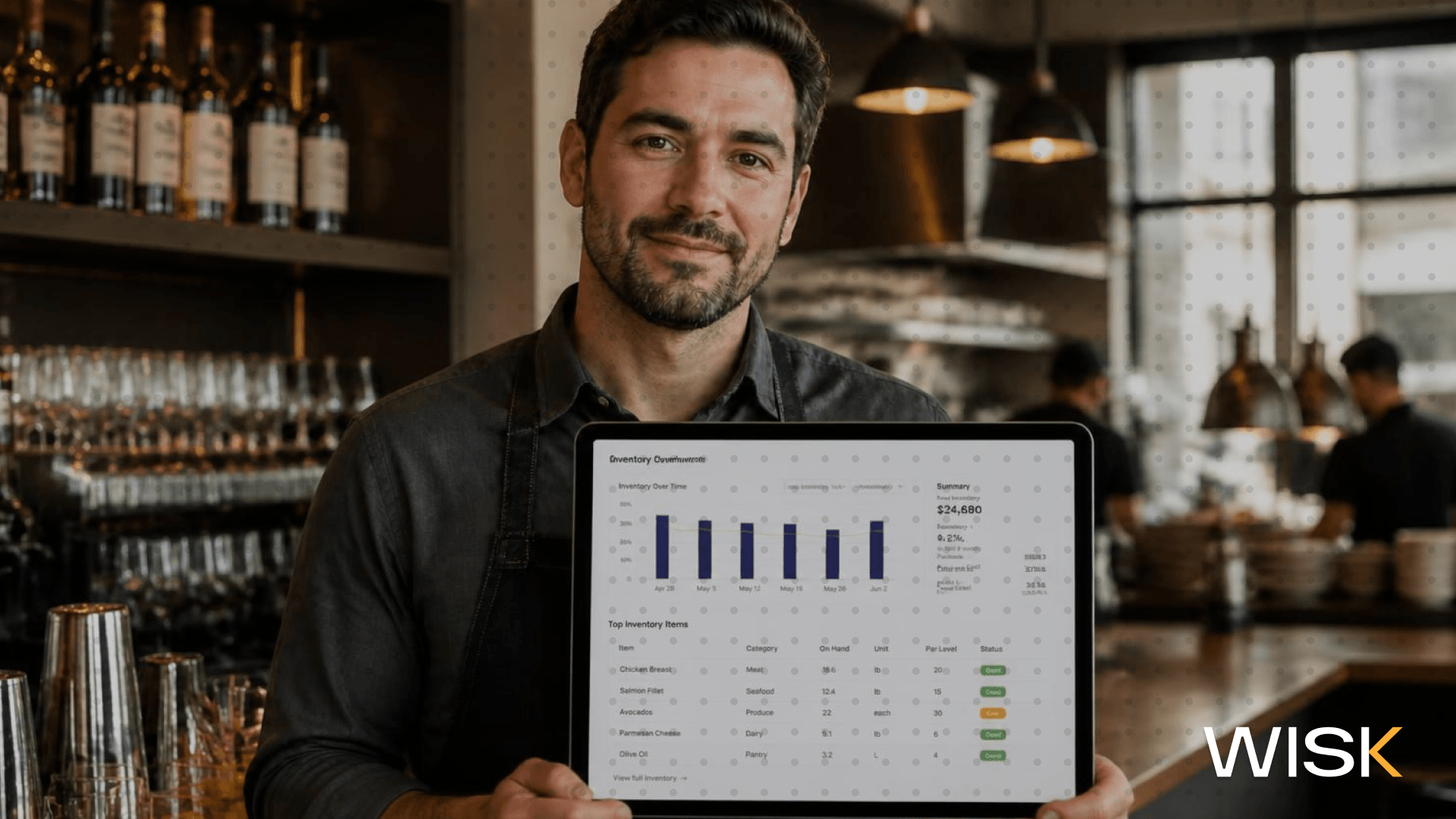
WISK historical pricing data holds every unit price you've paid, per item, per vendor, over time — which turns a vendor negotiation from a disagreement about impressions into a documented price trend you can put on the table.
This is where supplier management stops being administrative and starts being leverage:
- You can see which vendor drifted and which held steady, instead of assuming "everything went up."
- You can compare the same item across two suppliers on the same date and take the number to whoever loses the comparison.
- You can separate a genuine commodity move from opportunistic pricing. When beef climbs industry-wide, the BLS Producer Price Index confirms it; when your paper goods climb 6% and the index says otherwise, that's a conversation.
Historical data also makes forecasting honest. Inventory trends built on the prices you actually paid produce budgets you can hit.
What does this mean for restaurant owners, purchasing managers, and multi-unit operators?
Each role loses margin at a different point in the chain: owners lose it in stale menu pricing, purchasing managers lose it in unchallenged invoices, and multi-unit operators lose it in locations paying different prices for identical items.
- Restaurant owners. Your menu is a pricing decision you make once and live with for months. Real-time inventory and cost data means you're pricing against this week's cost, not last quarter's, which is the difference between a 6% margin and a 3% one.
- Purchasing managers. You're the only person who sees every invoice, and you're being asked to verify hundreds of line items with a clipboard. Automating the capture means you spend your attention on the twelve items that moved instead of the four hundred that didn't.
- Multi-unit operators and restaurant groups. Multi-location visibility is where the biggest cost savings sit. When one location pays $4.20 for an item and another pays $3.65 from the same distributor, you don't have a vendor problem — you have a visibility problem. One dashboard across multiple locations turns that into a single negotiation.
Good restaurant inventory management software should connect all three views: purchasing, POS systems, and accounting systems, so the same cost figure appears in your recipe costing, your variance reports, and your books.
How does WISK stop price creep before it reaches your P&L?
WISK reads every invoice you receive, updates every affected item cost and recipe automatically, alerts you the moment a vendor's price moves, and keeps the full price history you need to push back — across one location or fifty. No spreadsheets, no month-end surprises, no menu priced against costs that no longer exist. Book a WISK demo and see what your last 90 days of invoices have been quietly costing you.