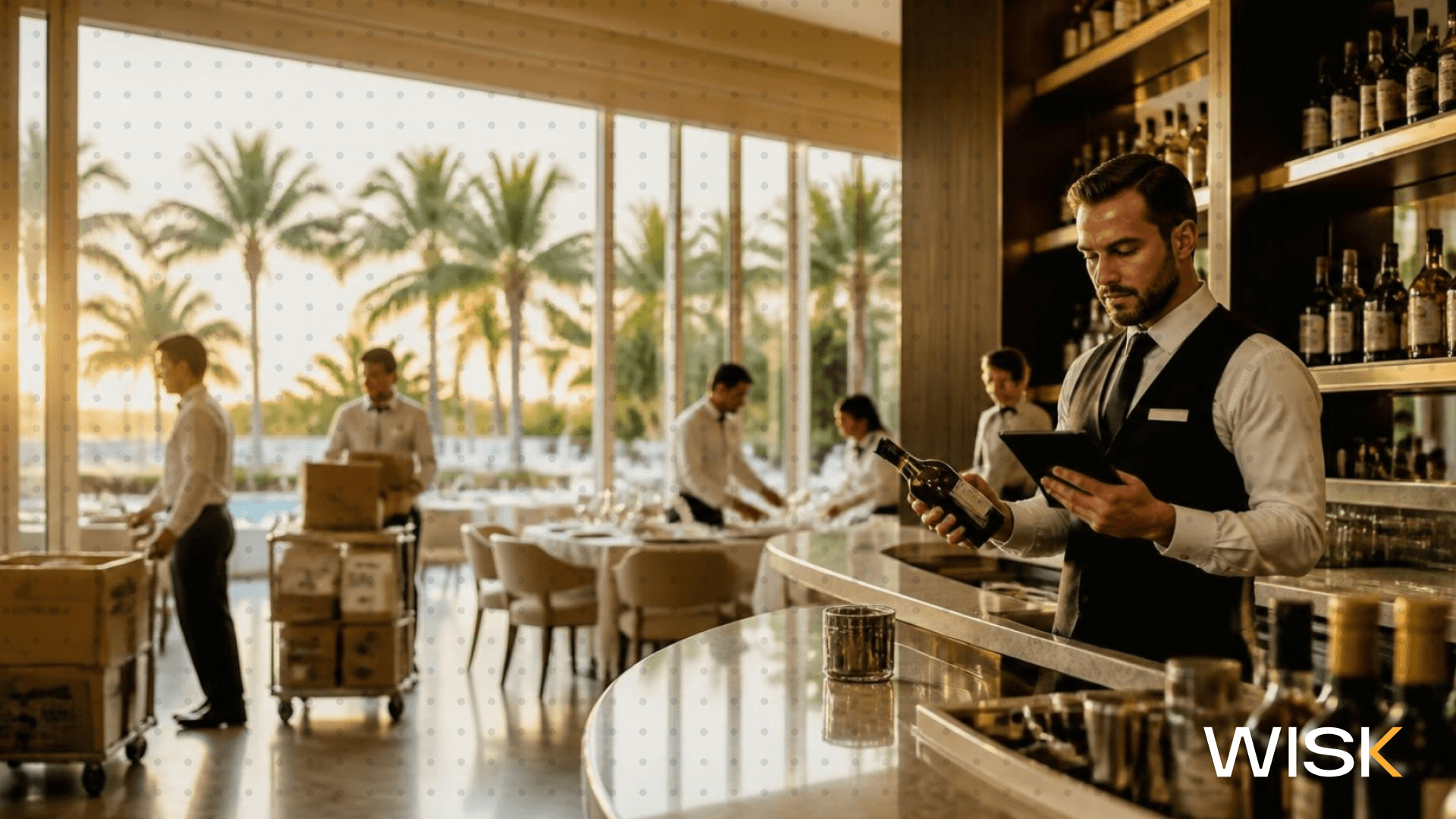
The Bottom Line: The right food and beverage inventory software counts the walk-in and the back bar in one session, costs both through the same recipes and invoices, and shows food cost and pour cost in one variance report. WISK does all three with a single mobile app, a Bluetooth scale for partial bottles, POS-linked recipes, and invoice scanning, which is how operators count up to 5x faster at 99.7% accuracy.
This one's for restaurant owners and GMs running a real bar program, hotel F&B directors juggling multiple outlets, and multi-unit operators and controllers who need COGS split cleanly between food and beverage. If your kitchen lives in one spreadsheet and your bar lives in a separate app, these are the key features to look for in inventory management software before you sign.
Why do food and beverage inventory need to be handled differently?
Food loses value to spoilage, overproduction, and over portioning. Beverage loses it to over-pours, comps, and theft. U.S. restaurants and foodservice generated 12.5 million tons of surplus food in 2024, while a habitual ¼ oz over-pour on a 1.5 oz shot gives away one free drink for every six you sell.
- Different units. Your kitchen counts cases, pounds, and eaches. Your bar counts tenths of a bottle, kegs, and open wine. Generic food inventory software tends to fudge the bar by rounding bottles to the nearest quarter, and bar-only tools ignore prep yield entirely.
- Different leaks. ReFED's restaurant and foodservice data attributes 1.49 million tons of that surplus to overproduction, which is a prep-planning problem you can actually control. Perishable goods also run on a clock, so good food inventory management rotates older stock forward to reduce spoilage and protect product quality.
- Different software. A lot of tools showing up for "food and beverage inventory software" are built for manufacturers, tracking raw materials, lot numbers, and production runs across a supply chain. If you run a restaurant, bar, or hotel, cross those off early.
Can one inventory count really cover the walk-in and the back bar?
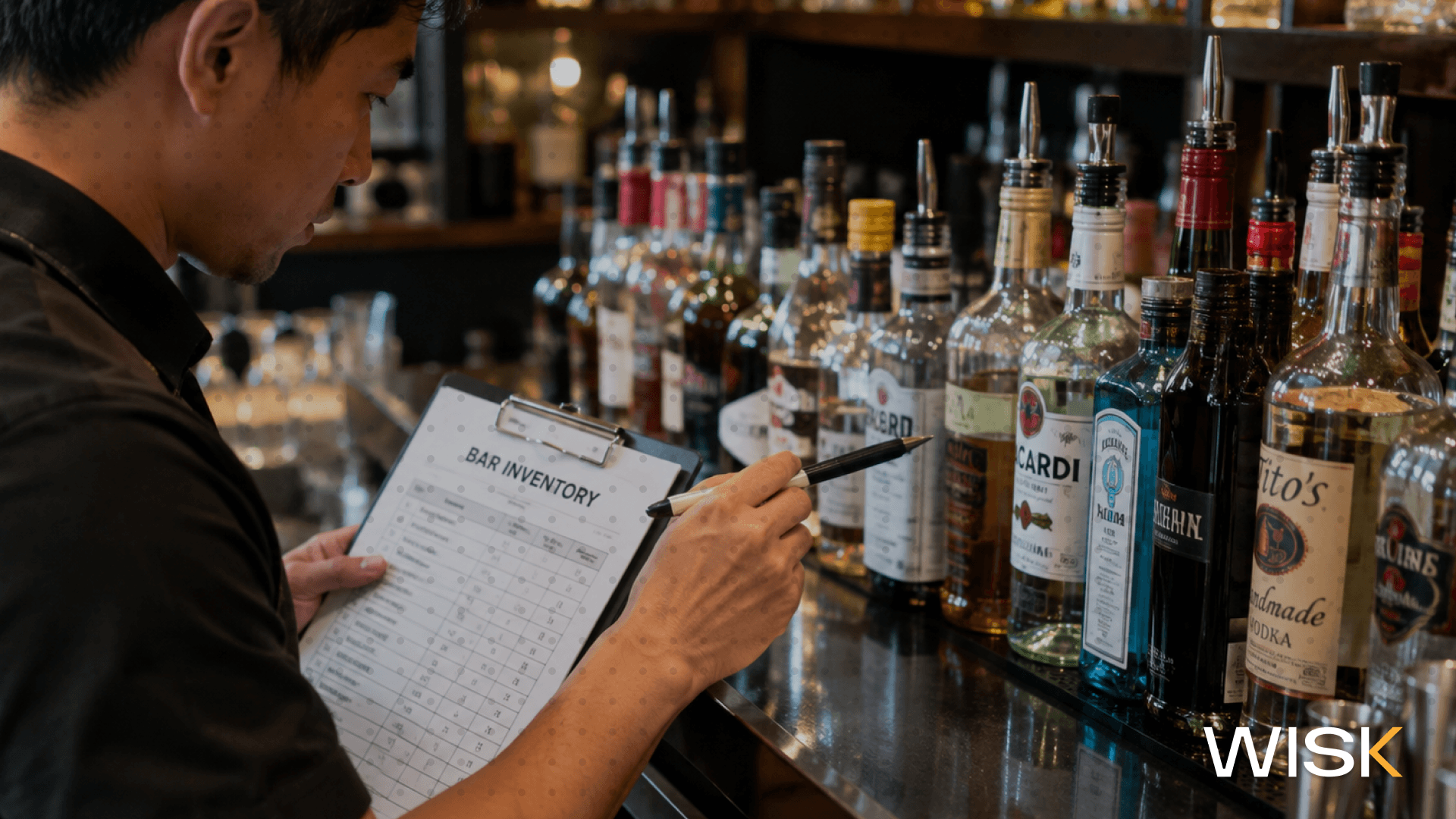
Yes, if the app counts by storage area, scans barcodes, weighs partial bottles on a Bluetooth scale, and lets several people count at once. That setup is how WISK users count up to 5x faster than manual counts, with operators reporting a two-hour count cut to 20 minutes.
- Your kitchen manager takes the walk-in and dry storage while your bar manager weighs bottles, all in the same count session. Nobody's merging spreadsheets on Monday morning.
- Count sheets follow your shelf order, from the reach-ins on the line to the speed rail, so inventory tracking becomes a repeatable process your team runs the same way every week.
- WISK works offline when your stockroom is a basement with one bar of signal, then syncs so everyone's working from real time data.

How should the software handle recipes, prep items, and batched cocktails?
Every recipe and sub-recipe should be costed the same way and deplete ingredient-level stock as sales data comes in from your POS. Ring one margarita and 2 oz of tequila, 1 oz of house sour, and a lime wedge come out of stock, with the house sour broken down into its own ingredients.
- WISK's integration with the POS systems most operators already use maps each menu item to its recipe, and in-house prep lives as batches: syrups, sauces, citrus juice, infusions. Recipe costing on every one tells you whether each item is priced correctly.
- Shared ingredients are where split systems fall apart. The kitchen buys the lemons, limes, cream, and herbs, and the bar uses a chunk of them. One system means one stock number instead of two guesses.
- When product moves between spaces, a transfer between areas records it, so the kitchen doesn't eat a variance for citrus the bar squeezed.
Why does invoice scanning matter more when food prices keep moving?
Because recipe costs go stale fast. USDA forecasts beef and veal prices up 9.4% in 2026 and fresh vegetables up 5.7%, so a burger you costed in January is off by summer unless invoice prices update your food costs automatically.
- The USDA's latest Food Price Outlook also expects restaurant prices to rise 3.5% this year. With guests already absorbing menu increases, cost control has to happen on the purchasing side, not with another price bump.
- With WISK, you snap a photo of a paper or digital invoice and it's converted into line-item data within 24–48 business hours. New costs flow straight into items, recipes, and COGS.
- Once counts and costs are current, WISK lets you set par levels for key items and builds each distributor order from them, so you adjust purchasing from real numbers instead of a gut check.
What should a food and beverage variance report actually show?
It should compare actual versus theoretical usage for every item, grouped by category, with food cost % and pour cost % side by side. The industry benchmark for overall beverage cost is 15% to 25%, and a variance report shows you exactly which items push you past that line.
- A Texas Tech University study of beverage costing practices found restaurants, including bars and wine bars, averaged a 25.55% beverage cost, just over the top of that range. Your report should show which bottles, kegs, and pours are behind a number like that.
- Sort by dollar variance, not percentage. A 30% variance on bitters matters a lot less than an 8% variance on ribeye, because the ribeye is the one eating into your profit margins every week.
- Count weekly. Inventory control only works with fresh numbers, and a monthly variance shows up four weeks too late to fix anything.
Before you book any demos, run your current setup through this quick check. Tick what works today on each side of the house:
How does a split or manual setup compare to WISK?
Operators moving from spreadsheets or separate food and bar tools to WISK save 20+ hours a month on inventory and paperwork and typically cut costs by 2% to 5%.
- Most of the time savings come from counting and invoices, the two most time consuming jobs in restaurant operations.
- The cost savings come from variance. Once you can see the gap by item, you can fix the portioning, pours, and ordering behind it. That's how you reduce waste and control costs without cutting the menu.
Here's how it breaks down, task by task:
What do hotel and multi-unit operators need on top of that?
A centralized dashboard that compares sales, invoices, and costs across multiple locations, plus transfers that move stock between outlets without breaking anyone's numbers. In hotels, that's the difference between 10–15 hours of manual inventory a week and 1.5–2 hours in WISK.
- Hotel F&B directors: the restaurant, lobby bar, banquets, and in-room dining each keep their own variance, and outlet-to-outlet transfers are recorded so the lobby bar isn't blamed for banquet wine.
- Multi-unit operators: copy items, batches, and POS mappings to a new venue instead of rebuilding from scratch, so growing from one location to five doesn't mean five separate setups.
- Commissaries and central stockrooms: venues send transfer requests, the central kitchen fills them, and both inventories update.
How does WISK help you run food and beverage inventory from one system?
WISK puts your kitchen and bar on one count, one set of recipes, one invoice feed, and one variance report, so food cost and pour cost finally come from the same numbers.
Whether you're a restaurant owner with a serious cocktail list, an F&B director running four outlets, or a controller who's tired of reconciling two systems at month-end, you get one food and beverage inventory platform, with ongoing support from WISK's customer success team. You'll count faster and know early in the week whether last week's gap came from the kitchen or the bar. That operational efficiency is how you maximize profitability and keep room for business growth. Book a free WISK demo and see your kitchen and bar in one report.